How-to Videos for InsightMath Testing Sites
Click on the appropriate video below:

Giving the Student Survey
Provide this survey link to students
bit.ly/3J5nHnU

The first time you give the survey to students, please play the video directions for the class.
What is the Student Survey and
How to Give It?

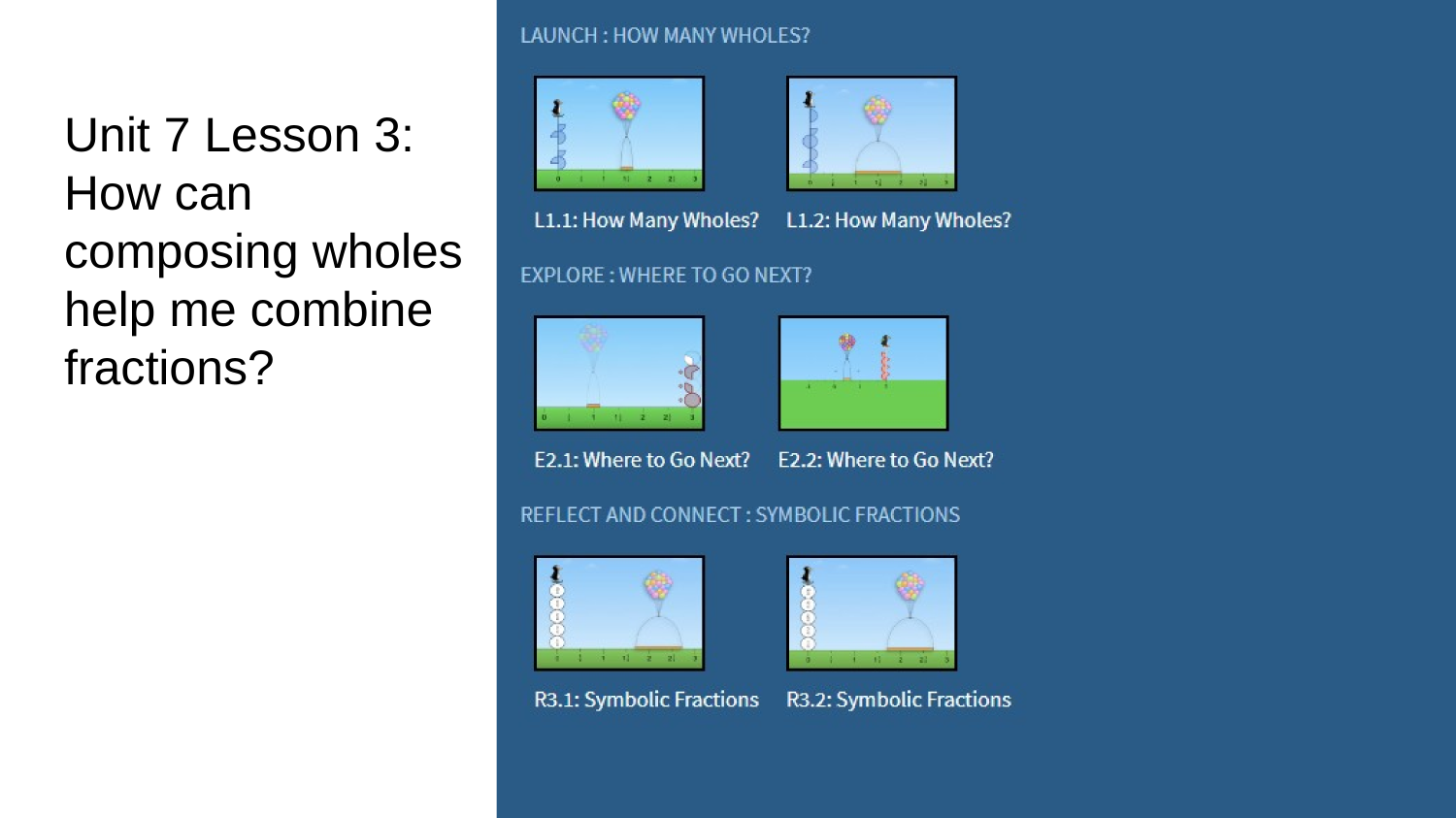
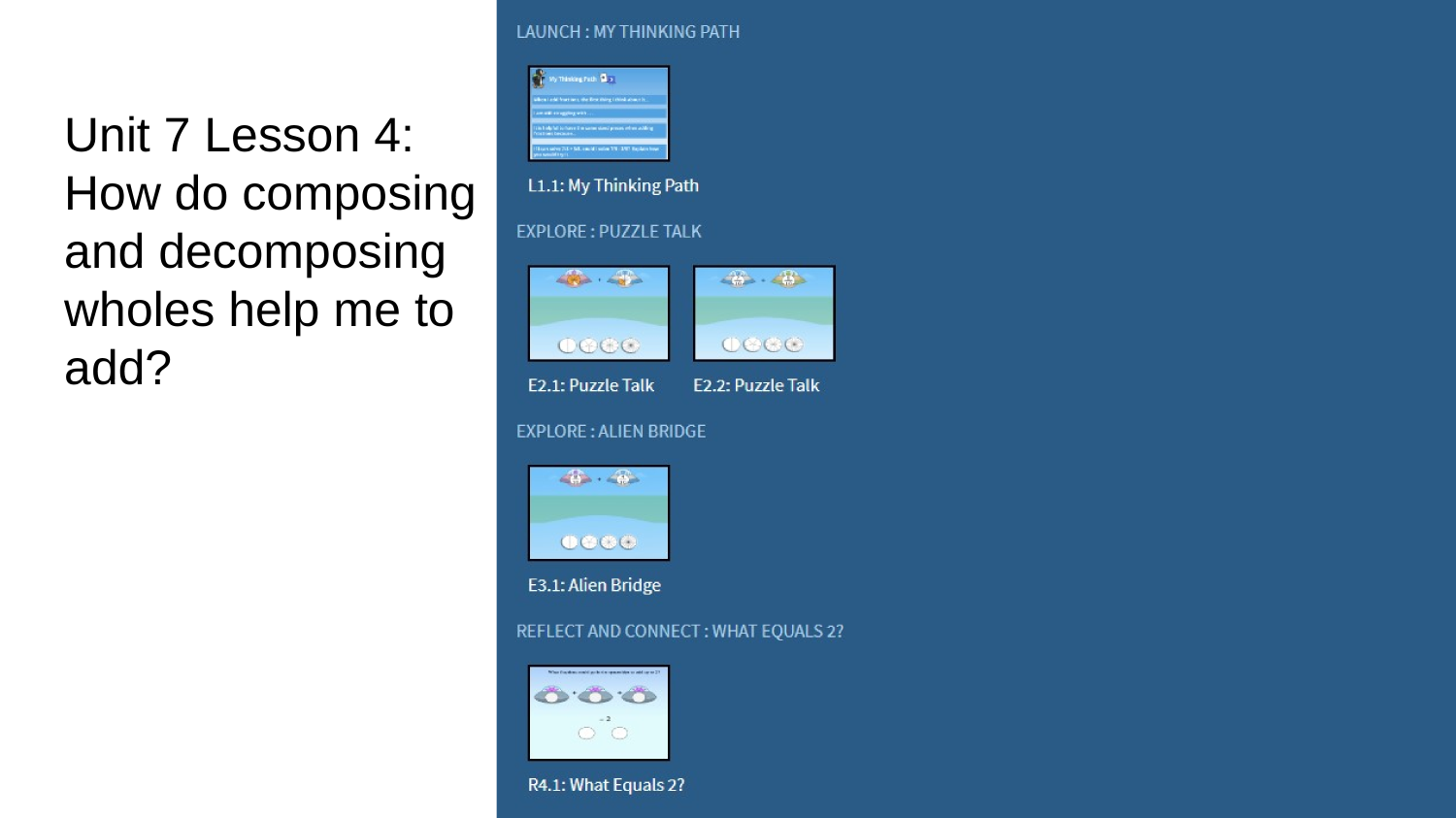
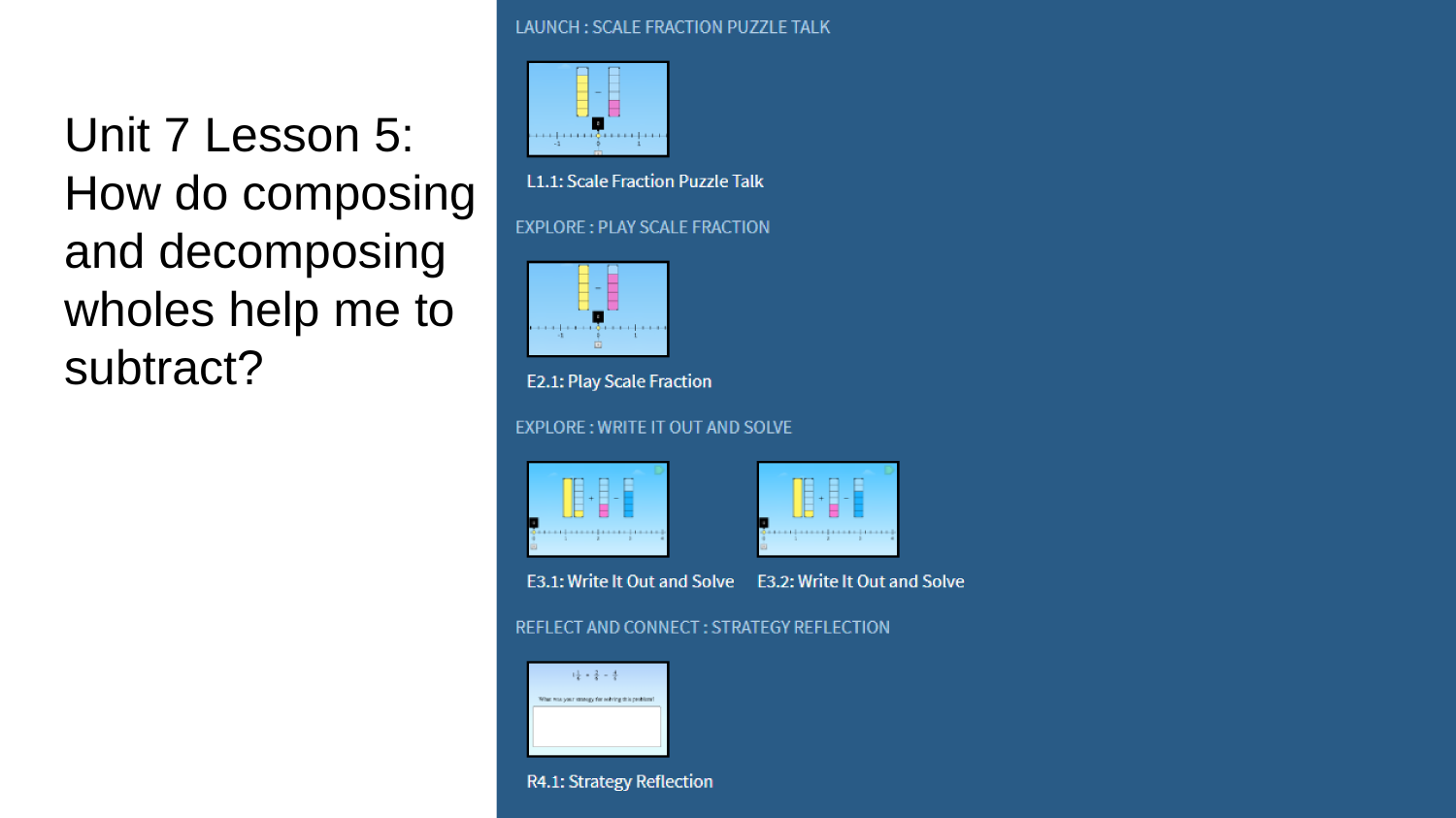
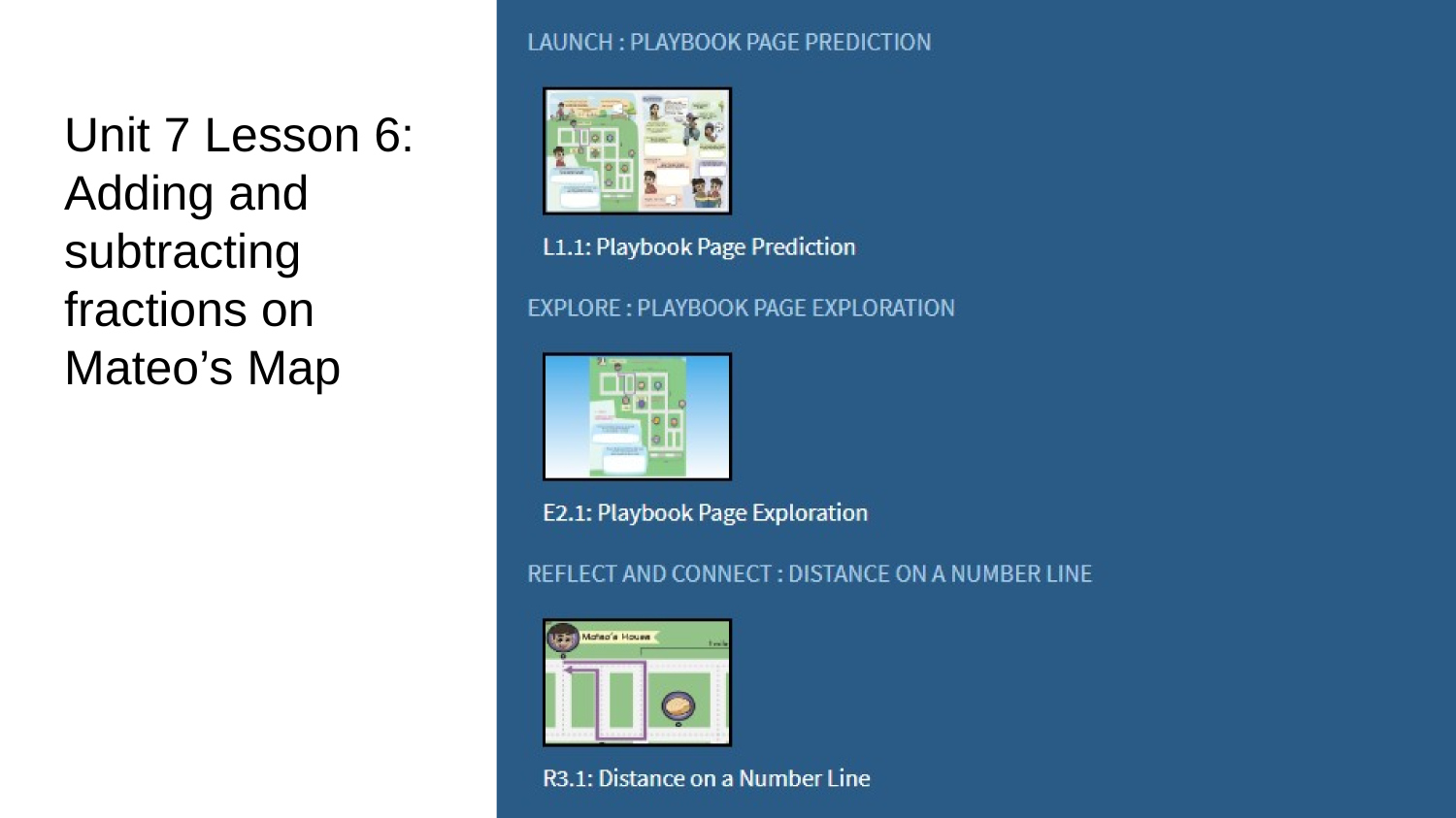
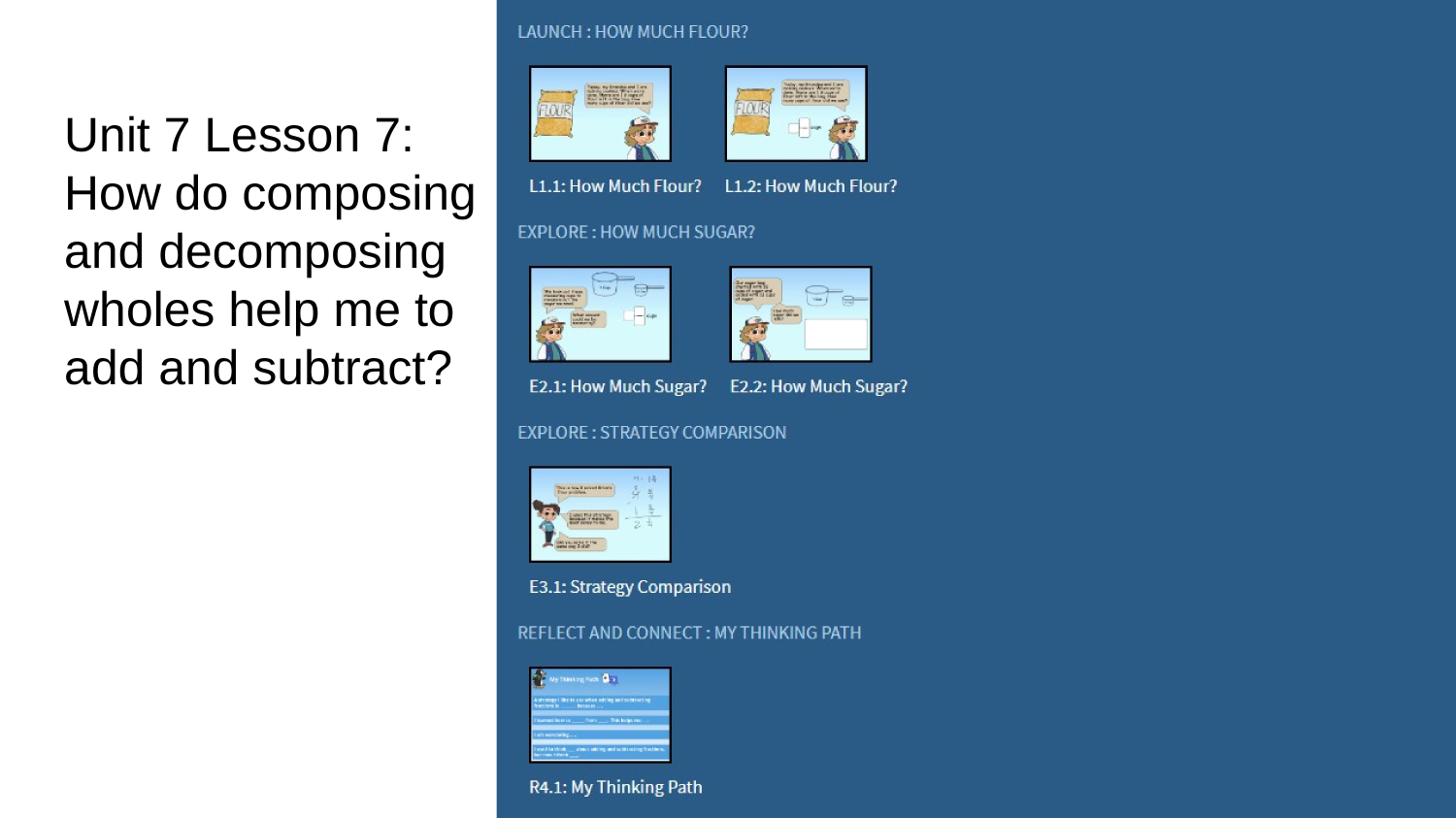
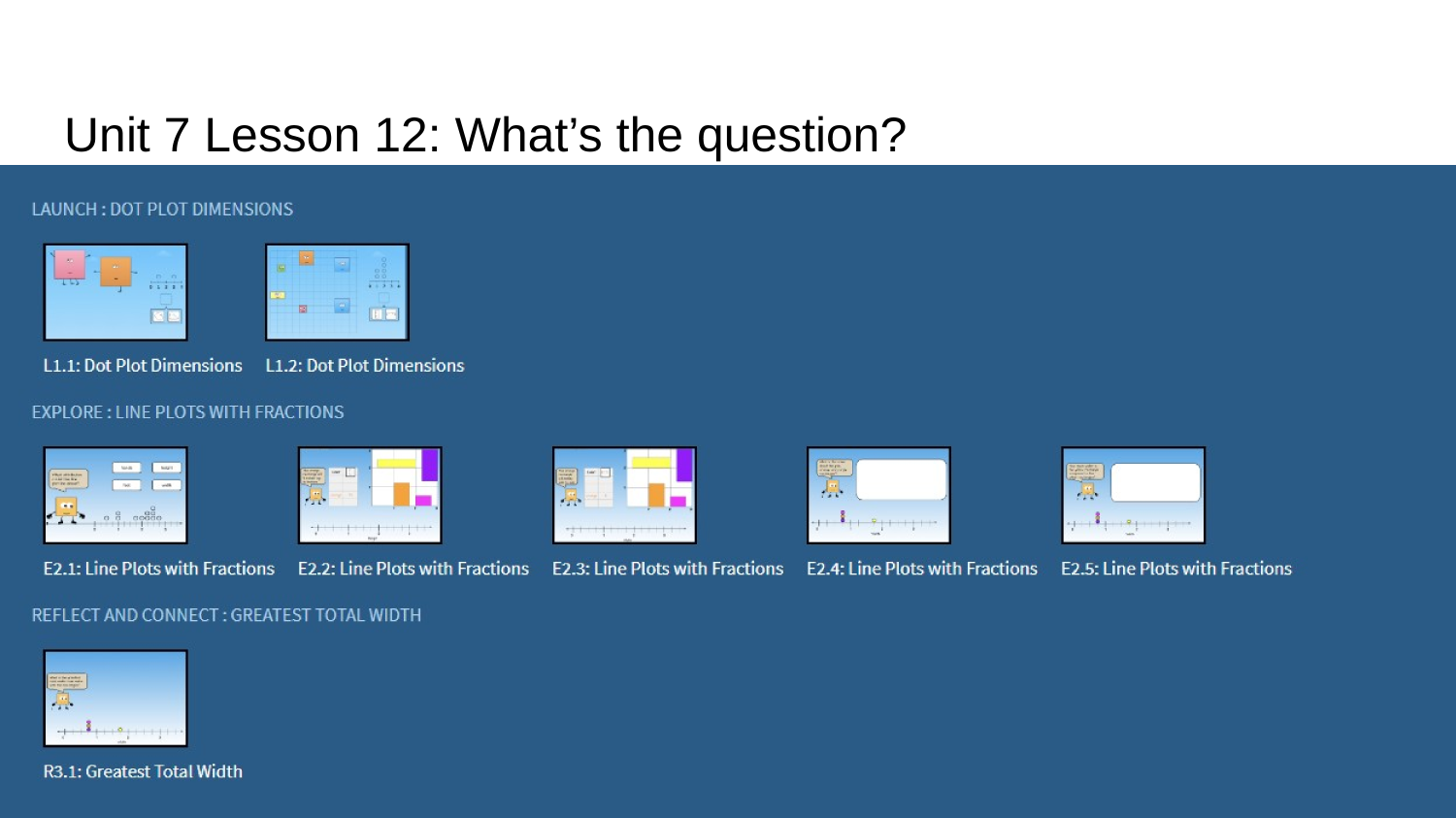
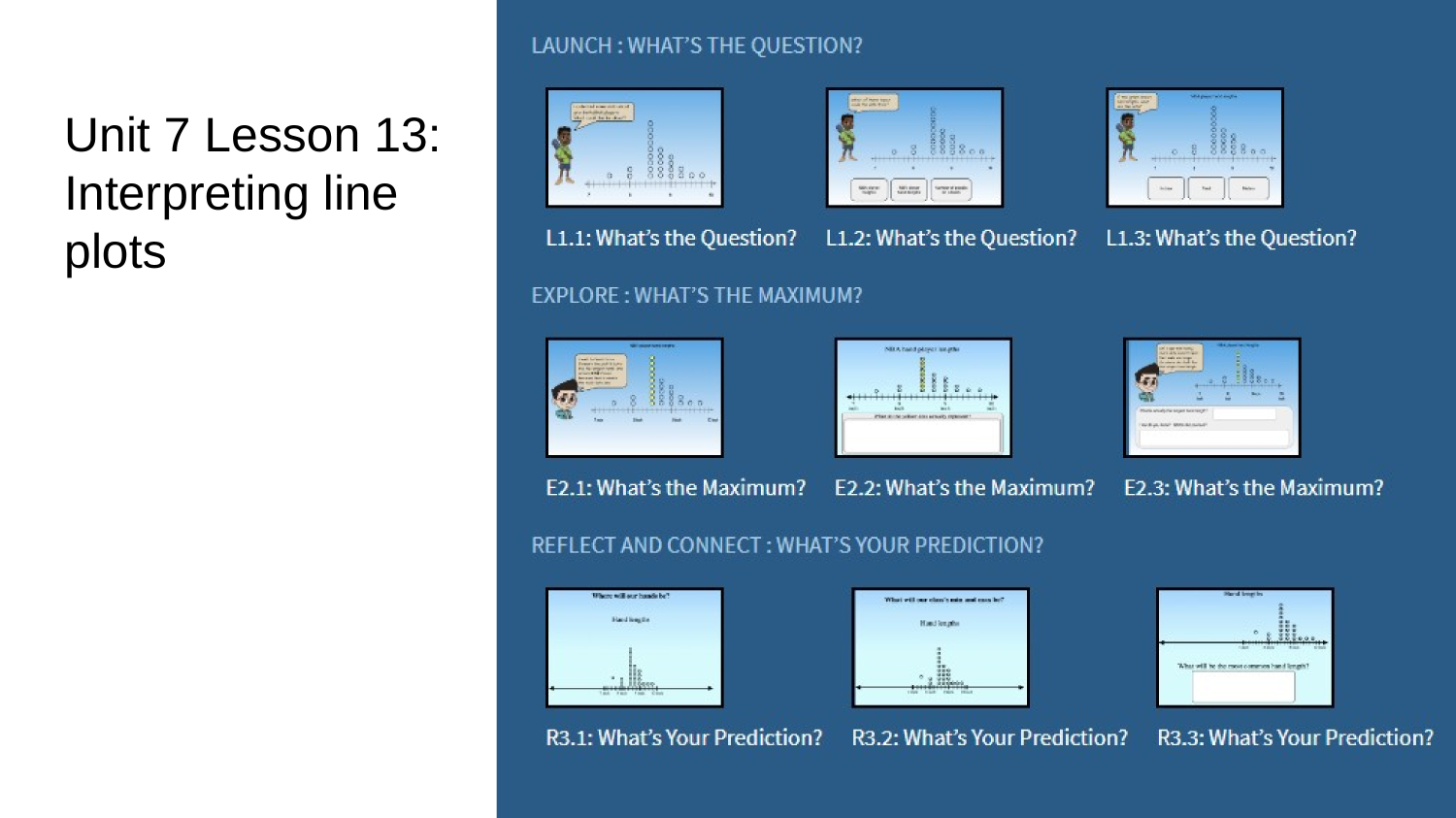
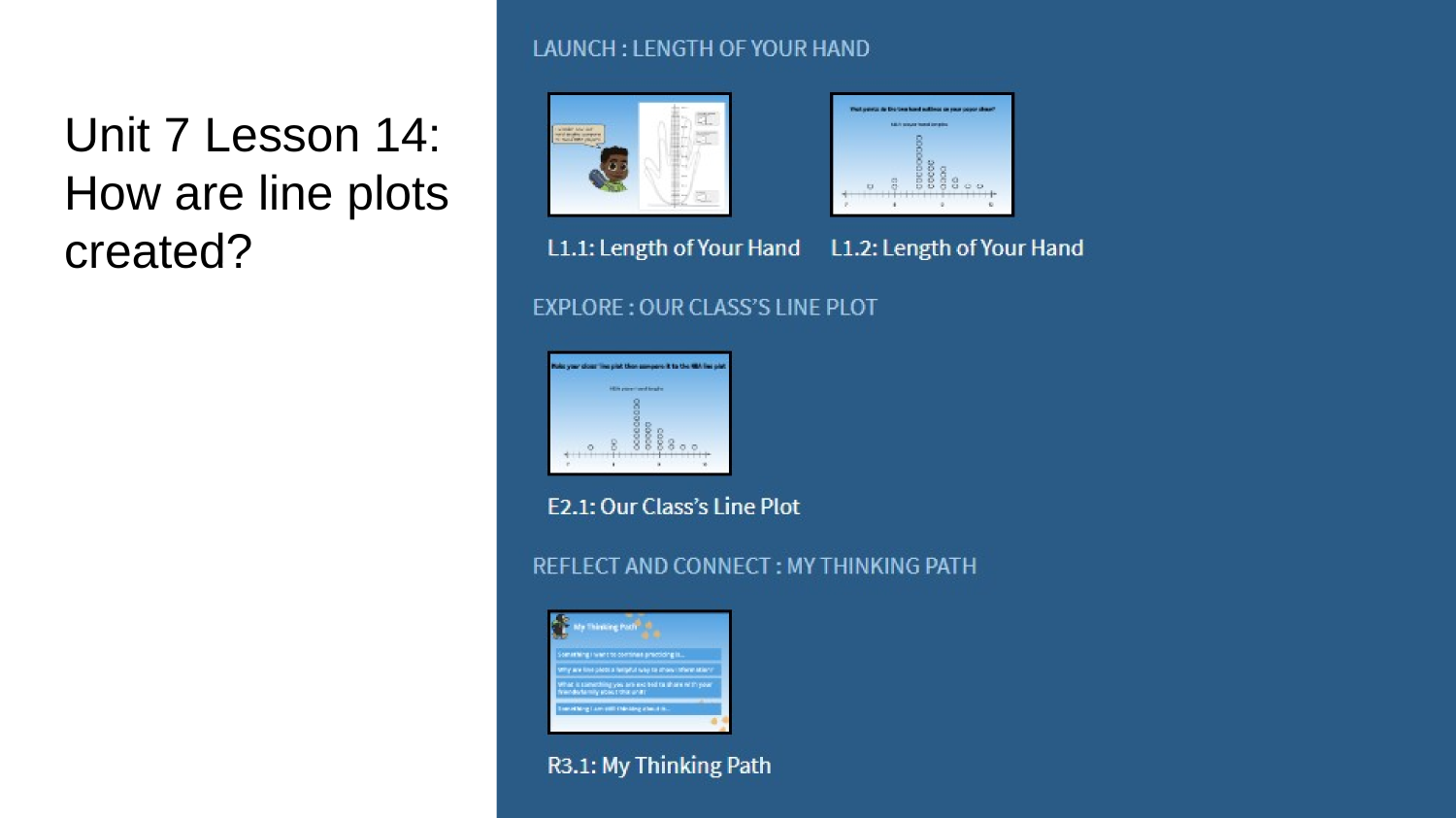
1. Students will select the appropriate lesson.
2. Students will select the activity name that best answers the question. They can choose more than one.

Click the lesson number to see the activities for that lesson.
Lesson Activity Screenshots and Names


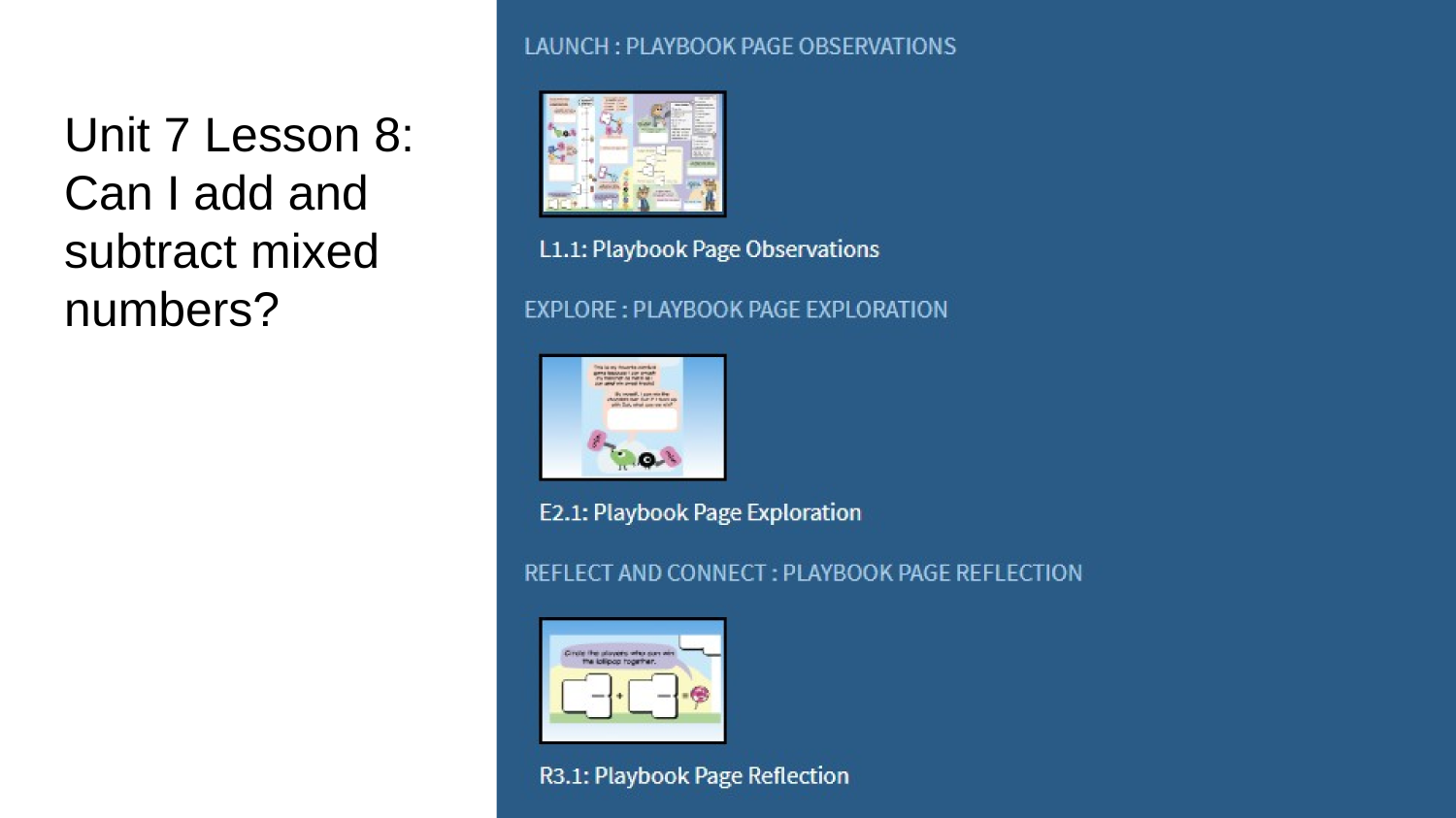
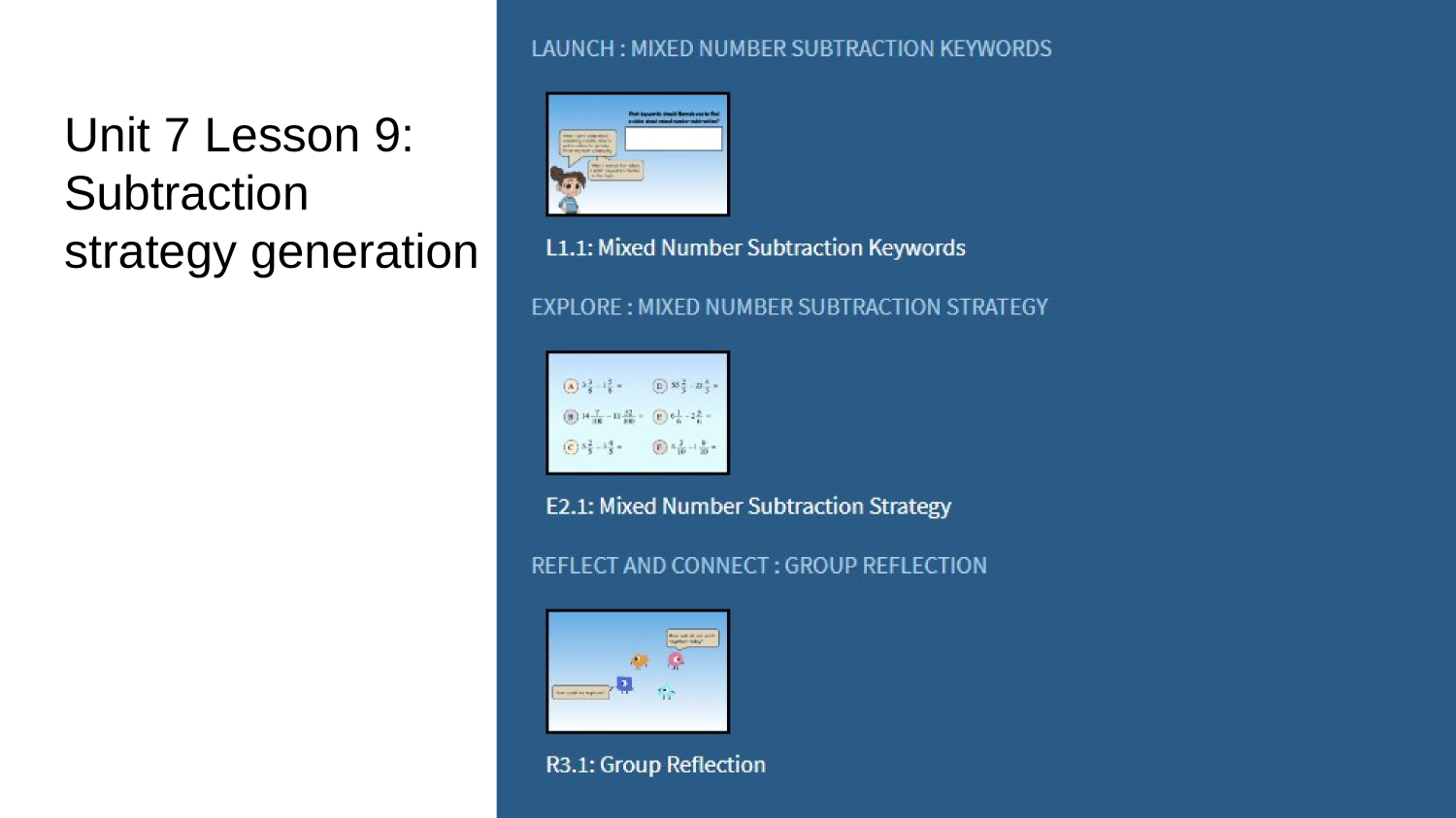
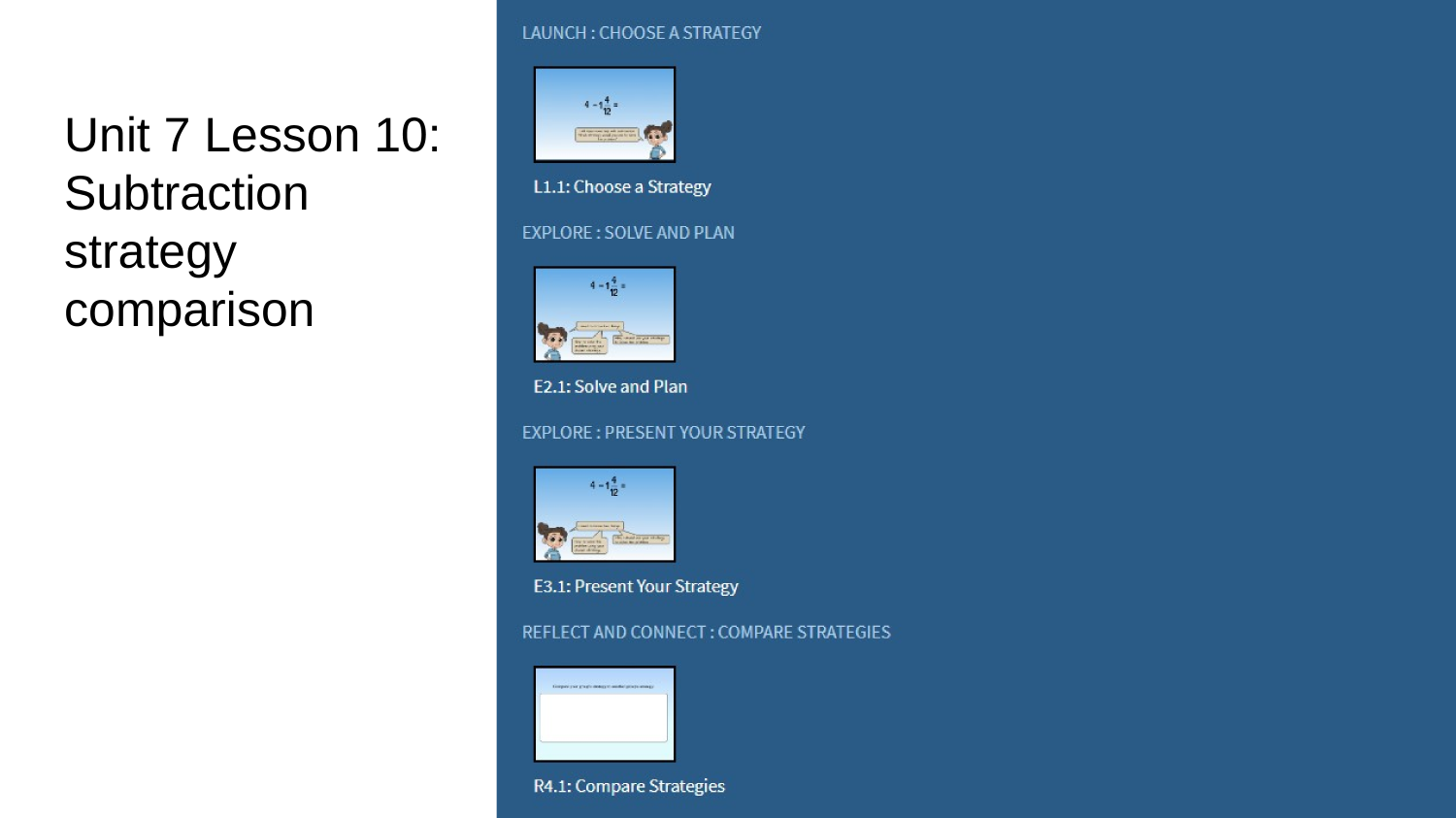
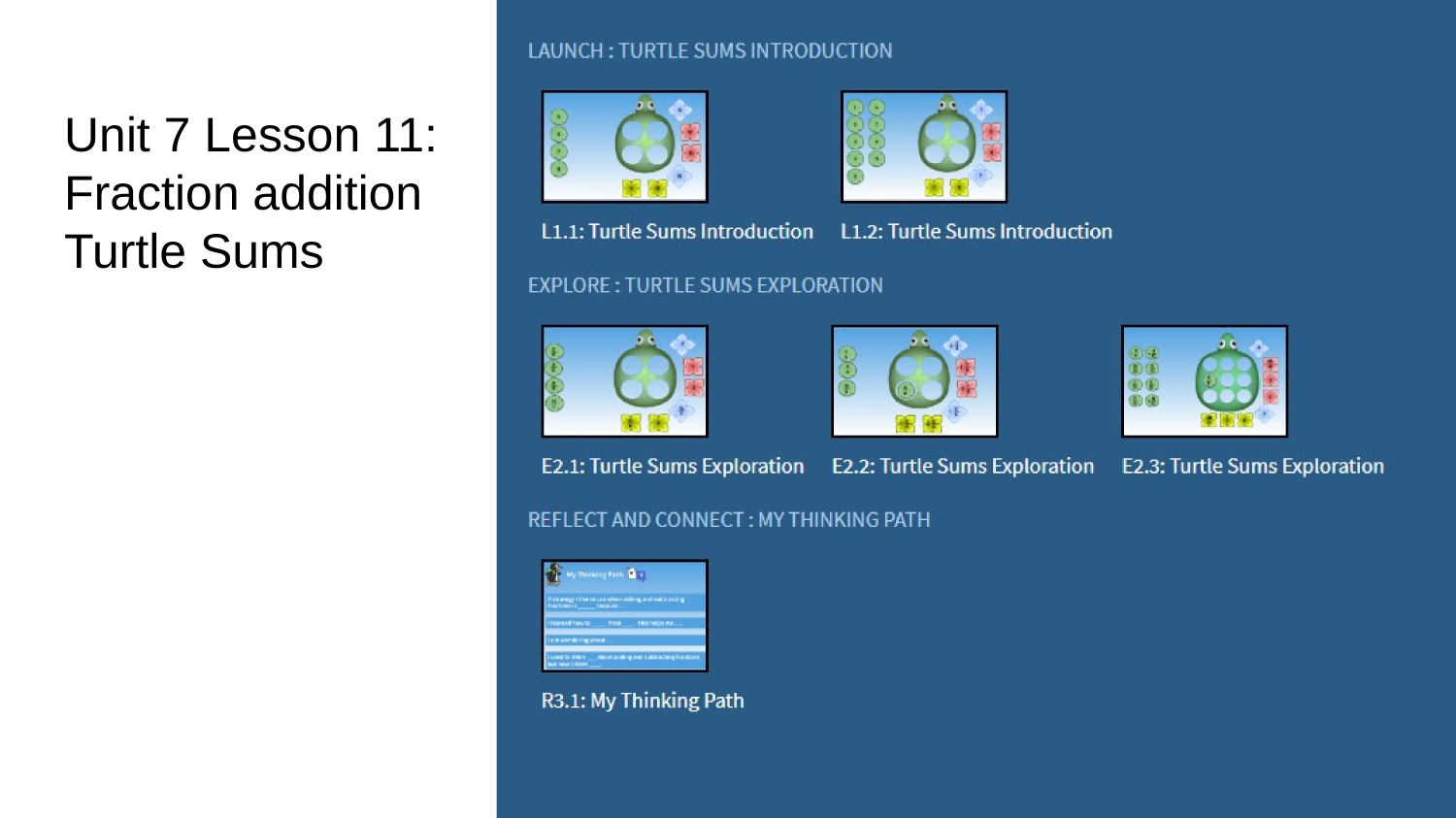
Troubleshooting Tips
-
The teacher must be logged out of their school ST Math account and logged in to InsightMath Test school.
-
Students must be logged out of their school ST Math accounts.
-
If the screen freezes or does not look right - click the refresh button on your browser.
-
If that does not work try signing in and out.
Do you have additional questions or need more support?
Reach out to
curriculum@mindresearch.org
Note: this email is monitored and we will respond within 1 business day

InsightMath Instructional Videos - IRB
By tyoung4762