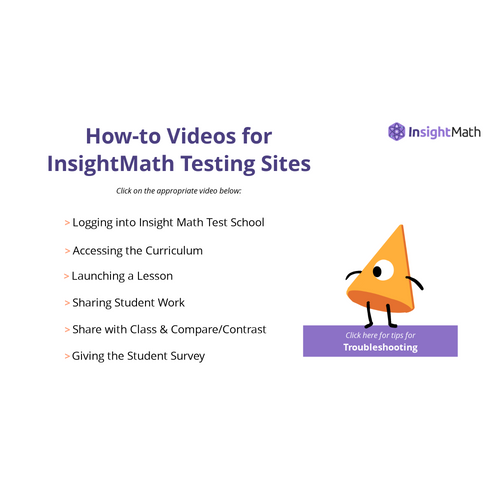
How-to Videos for InsightMath Testing Sites
Click on the appropriate video below:

Troubleshooting Tips
-
The teacher must be logged out of their school ST Math account and logged in to InsightMath Test school.
-
Students must be logged out of their school ST Math accounts.
-
If the screen freezes or does not look right - click the refresh button on your browser.
-
If that does not work try signing in and out.
Do you have additional questions or need more support?
Reach out to
curriculum@mindresearch.org
Note: this email is monitored and we will respond within 1 business day


InsightMath How To Videos
By tyoung4762