


Enhancing specific concepts, developing a growth mindset, building confidence, fostering student agency, and supporting communication of understanding are the core focuses of ST Math Camp.


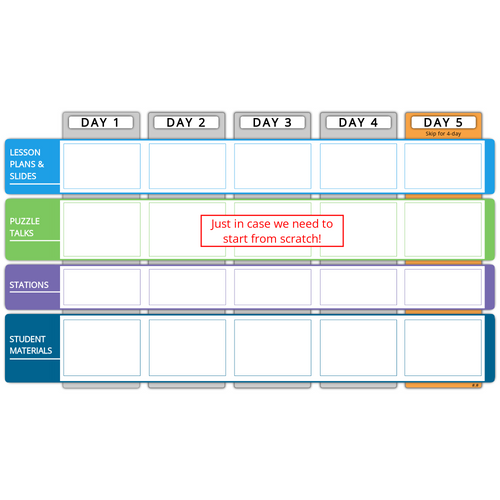
ST Math Camp consists of five modules, with five sessions in each module. New ST Math users have an extra module designed just for them! Each Journey Module contains module plans, support resources, helpful videos, and more!
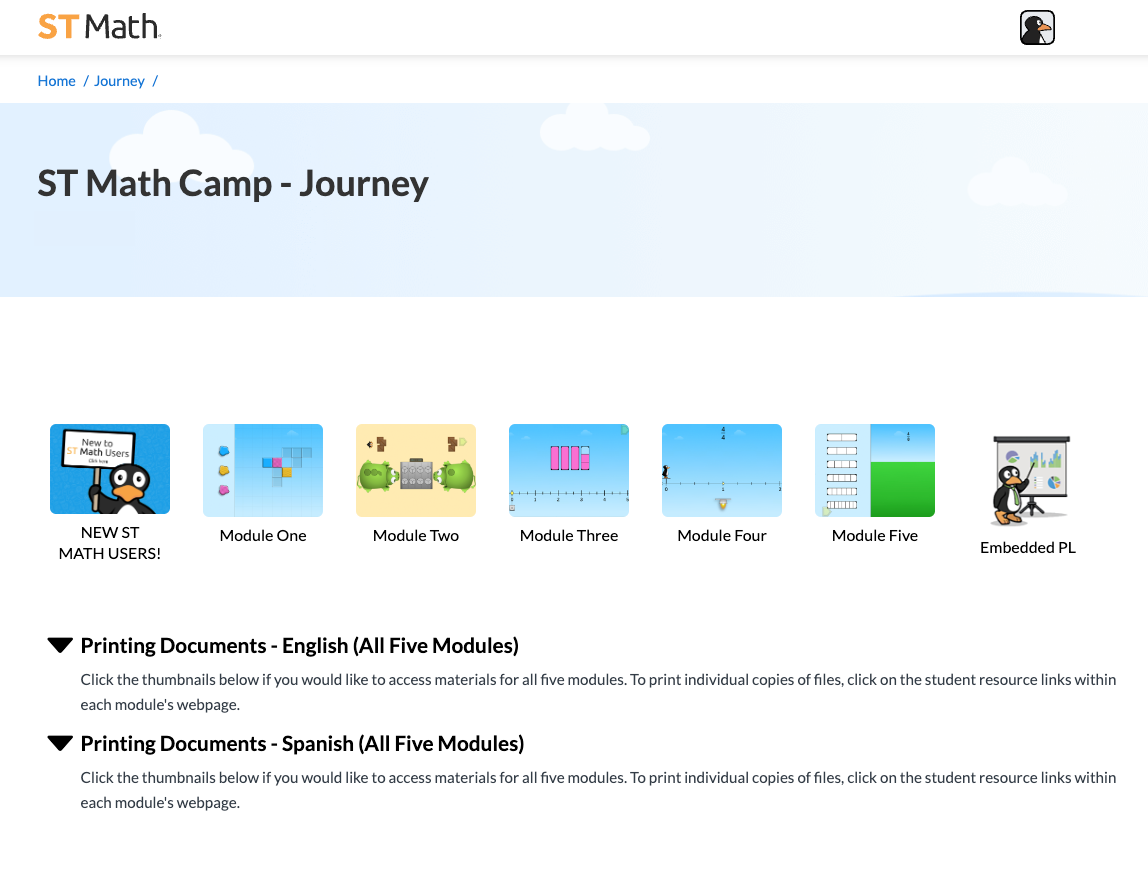
Welcome to ST Math Camp professional learning! Click on the icons on the left to learn all about this page. Then click the icon again to close it.

OFF
OFF
The Process
The Journey Module Plans provide insight for teachers into scheduling, preparing, facilitating, and closing ST Math Camp. Journey Modules are organized into three sections: Module at a Glance, Session Overview, and Session.
Tools
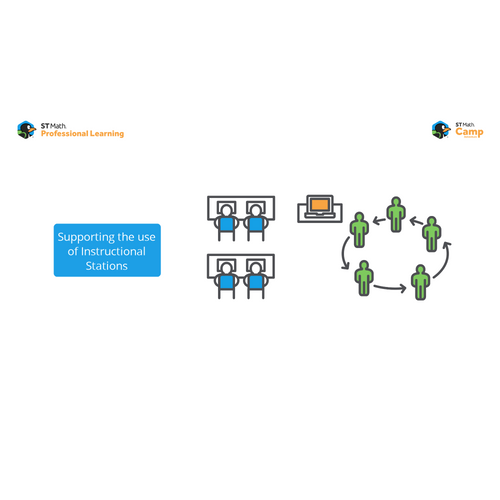
Each module of the ST Math Camp experience centers around three main sessions: Puzzle Talks, ST Math Activities, and 1:1 Game Play.
All Journey Lesson Plans




Game-in-a-Minute
Start by watching a short video preview of the game that you will be using with students for the Puzzle Talk.
Puzzle Talk Prep
To prepare for the Puzzle Talk with students:
- Set up a screen and projector
- Gather the materials needed (e.g.,whiteboards or scratch paper)
- Use the Puzzle Link to play the game yourself
- Review the lesson plan and use the Session Agenda and Planning Tool to plan the Puzzle Talk
Facilitation
- Ask students to share what they already know about the topic and explain that you will work as a class on a Puzzle Talk.
- Share your screen and project the puzzles; engage students in discussions using the Facilitation Questions and the Problem Solving Process.
- Discuss student strategies, test them, and discuss the feedback.
- Repeat the process with other puzzles.



Preparation
Instruction
The purpose of a Puzzle Talk is to focus on students' strategies, promote student discourse, and illuminate the math students are learning.
- Prepare the space and number groups for all students to be able to play.
- Allow time for the students to play the activity, swapping groups after a few rounds if desired.
- Watch the clock so that you have enough time to clean up.
Preparation
Instruction
Beyond the Puzzle
Review the activities for the week and choose one to use for the day.
Check on and gather the necessary amount of manipulatives for the chosen activity.
Game Play
These activities intentionally allow for variation, so use your creativity to further stretch student thinking around the mathematical concepts.

ST Math Activities are designed to extend the learning beyond the puzzle. These activities
illuminate the mathematics and allow students to further explore, practice, discuss, and connect the mathematics that they are learning.
Set-up




Preparation
Instruction
Getting Ready
Provide an Accomplishments Log and ST Math Journal to each student. It is important to ensure that each student has a device and ST Math sign-in credentials prior to the first 1:1 Game Play session.
Game Play
Students play ST Math independently, focusing on the grade level Journey or the objectives the teacher has placed in Assignments.

Setting Goals
Discuss goal setting with students using the Goal Setting Guide. Set an ST Math goal for the week.

Closure
Discuss the games students played and review their goals on their Camp Journey Thinking Path.

Click on each session type below to learn more. Click the icon again to close it.
OFF
OFF
OFF
The Process
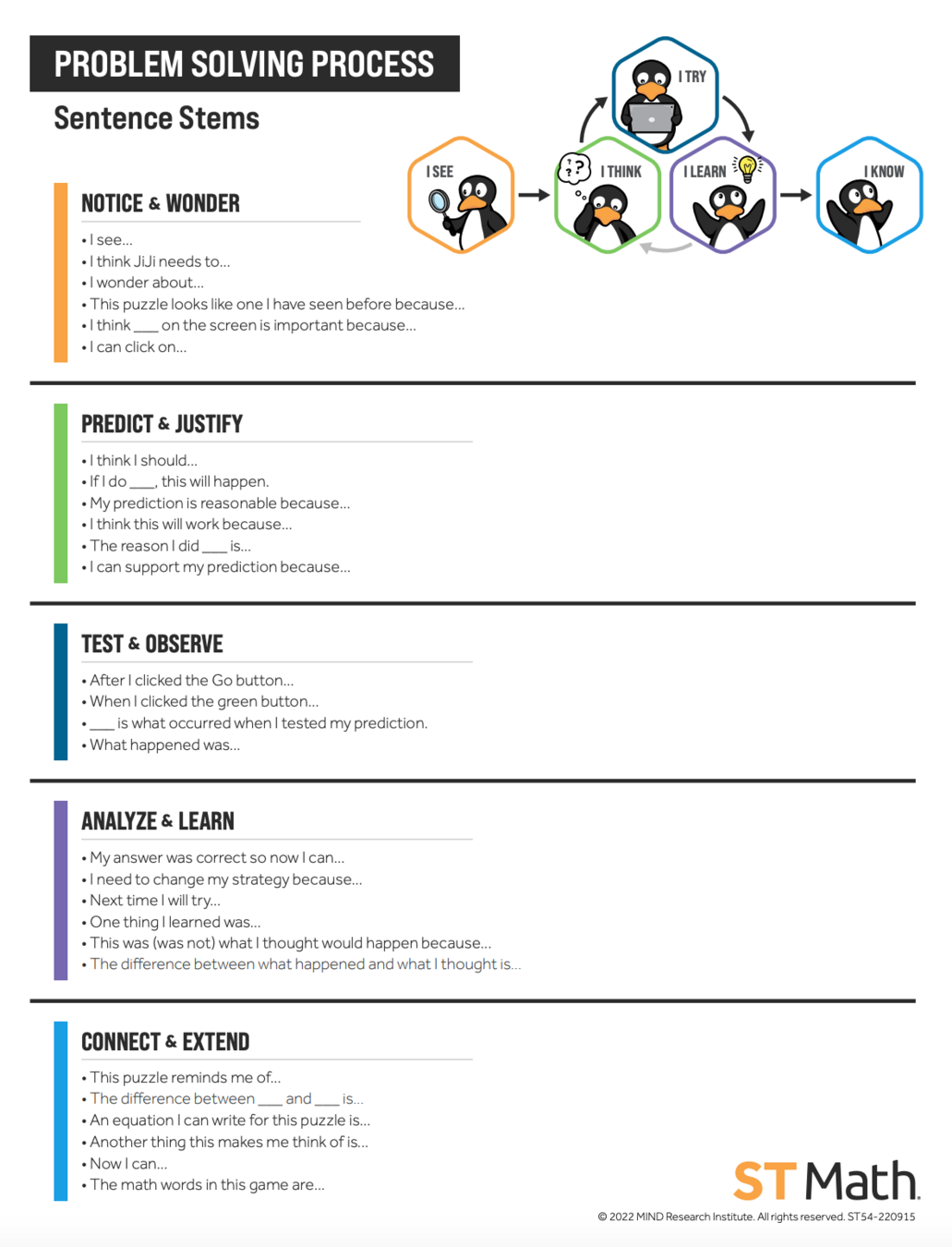
The Problem Solving Process was developed based on the perception-action cycle, which is how our brain learns. The goal is to get students involved in the process of learning which requires noticing what is going on and then starting a cycle of predicting, testing, and analyzing.
Tools
There are several tools that teachers can use with students in the Problem Solving Process, including bookmarks and sentence stems for discussions. These tools are available in English and Spanish.

Problem Solving Resources

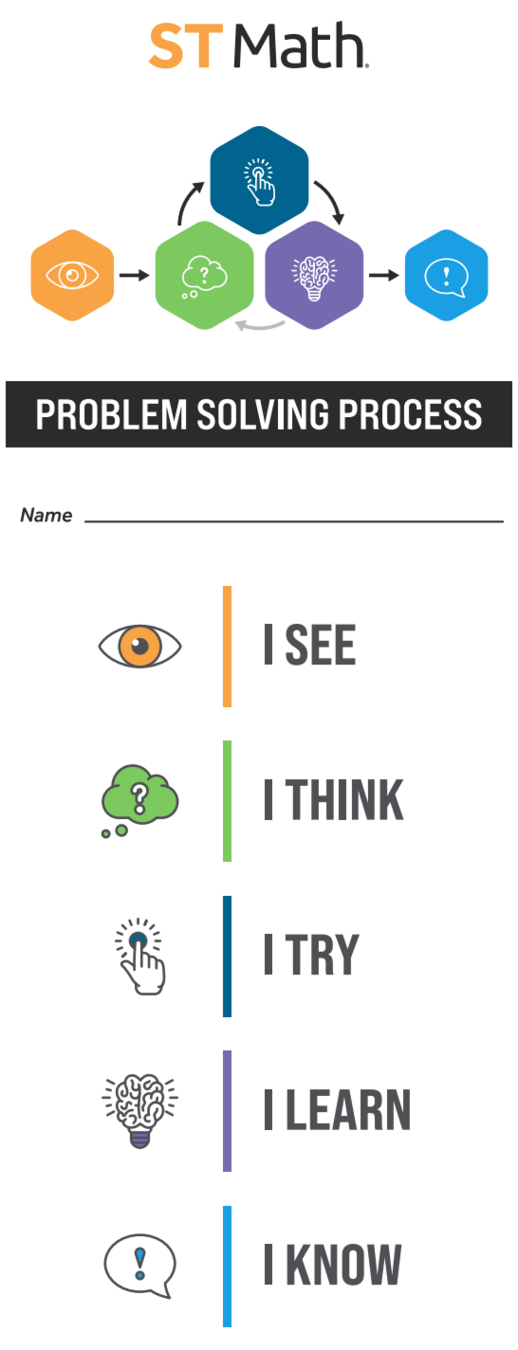


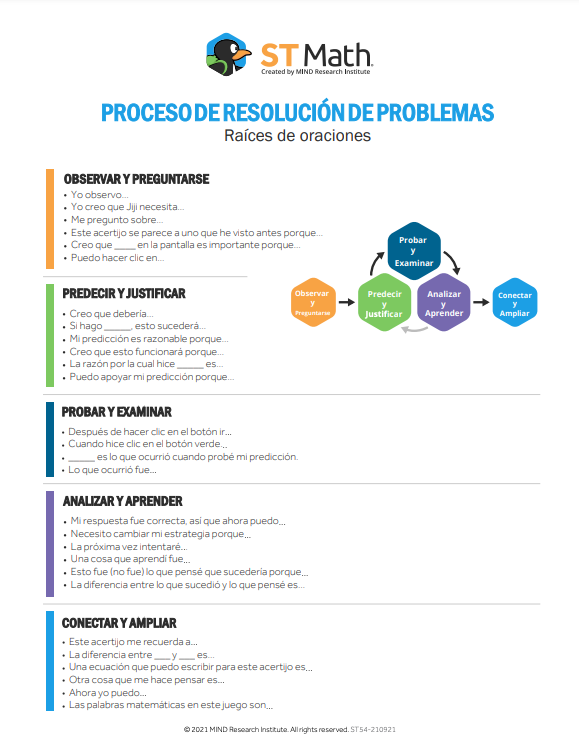
English
Spanish
Activity Resources
Game Mats & Resources
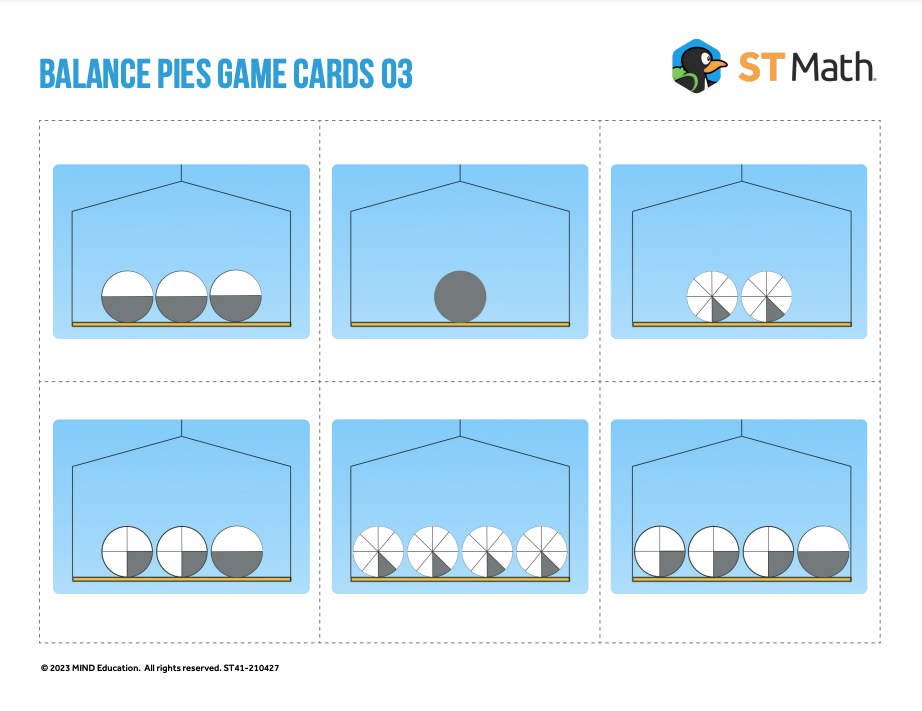
There are two or more activities to choose from. These activities are designed to extend the learning beyond the puzzle. These activities illuminate the mathematics and allow students to further explore, practice, discuss, and connect the mathematics they are learning.

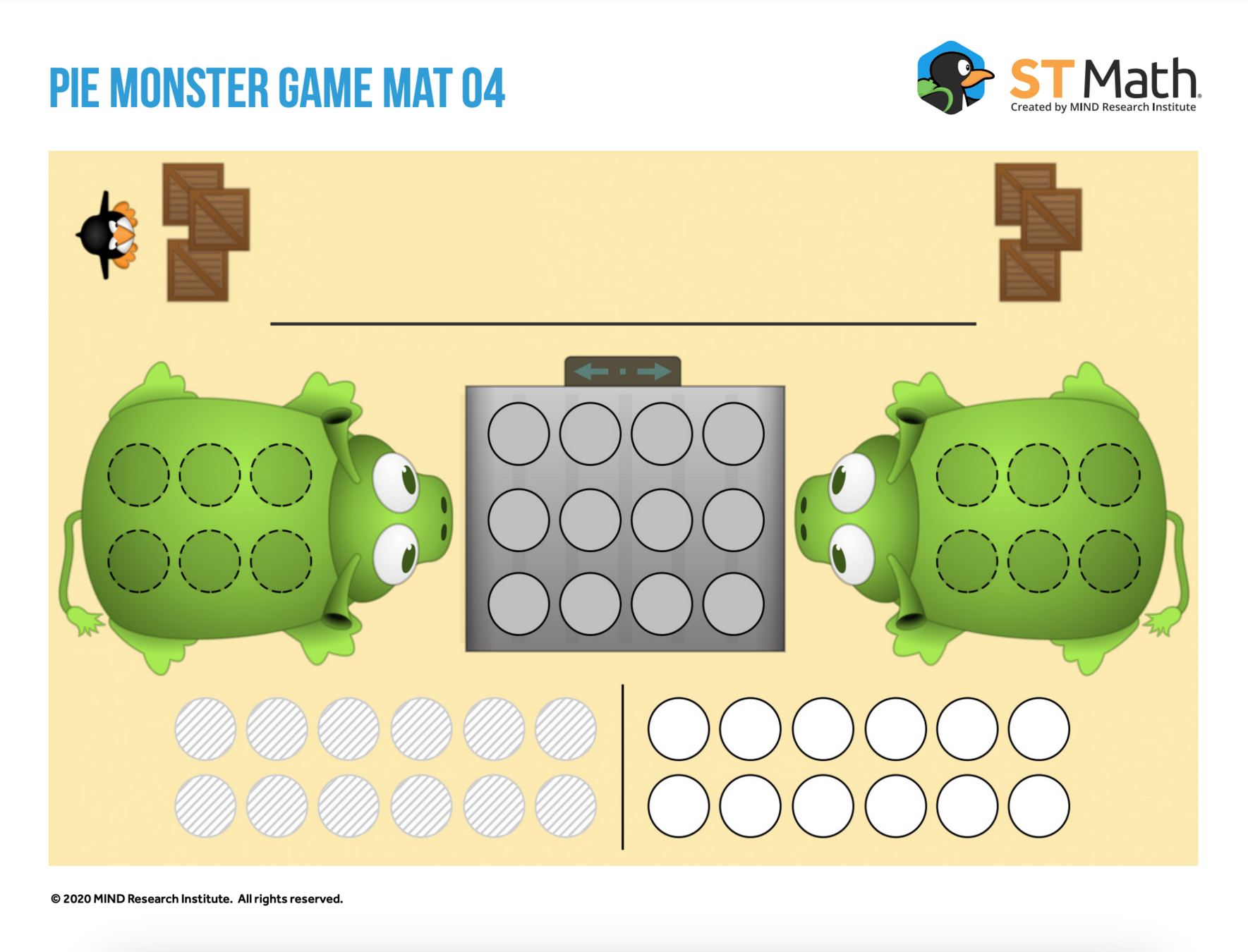
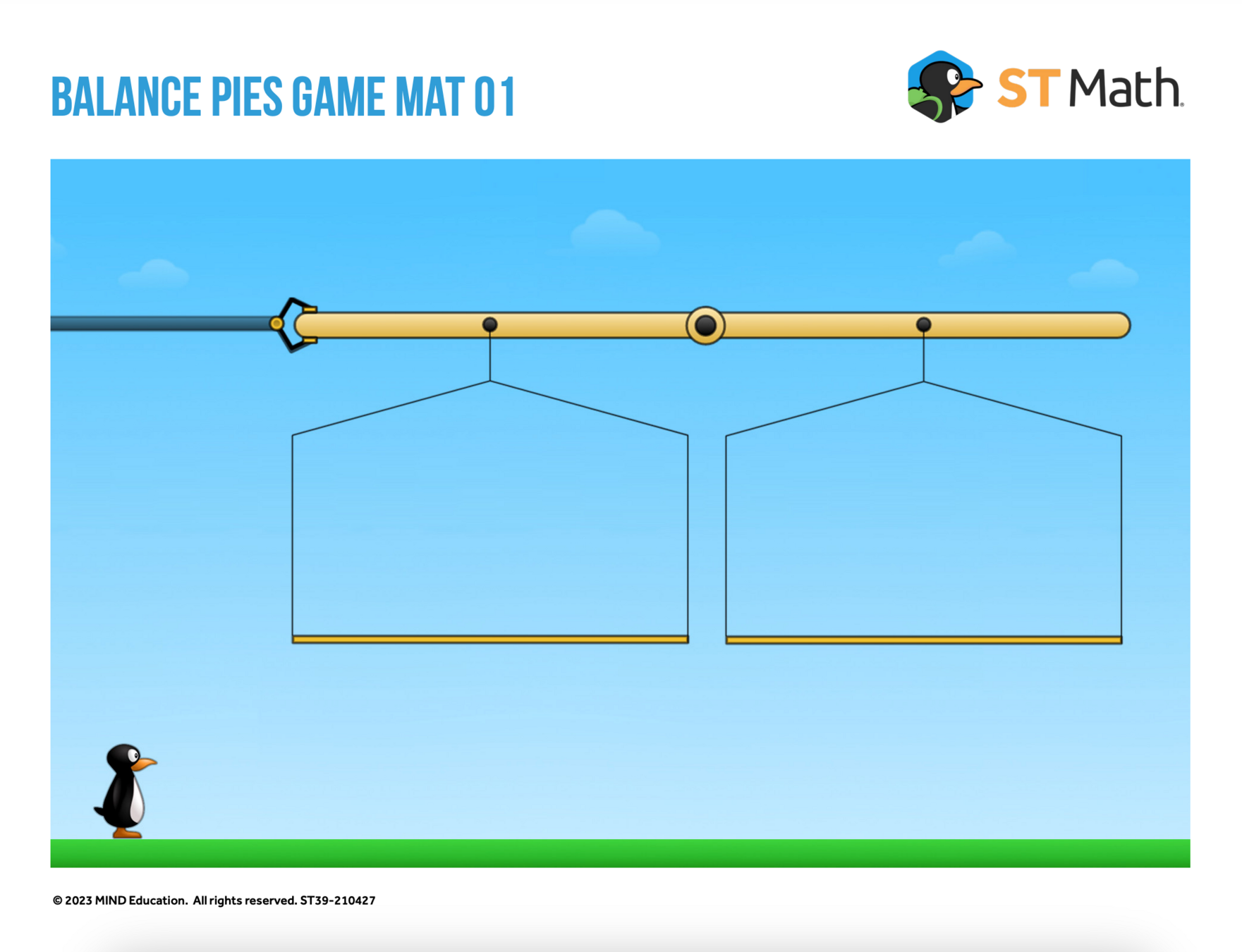
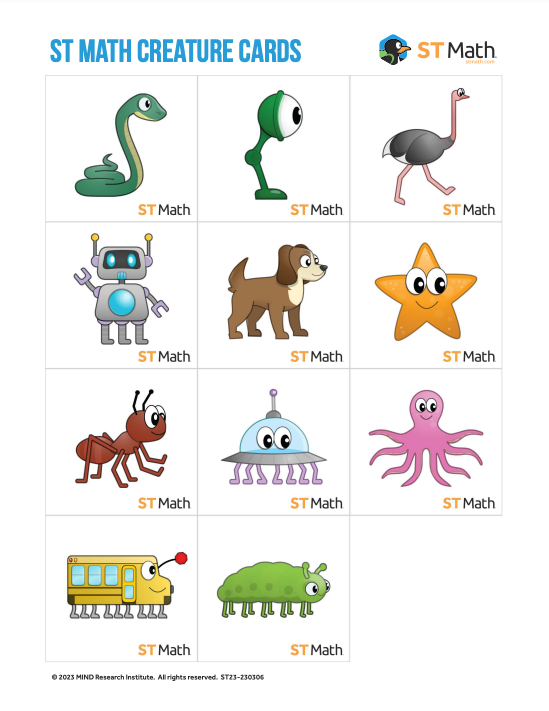
Check out these sample game resources.
Accomplishment Log
Student Goals
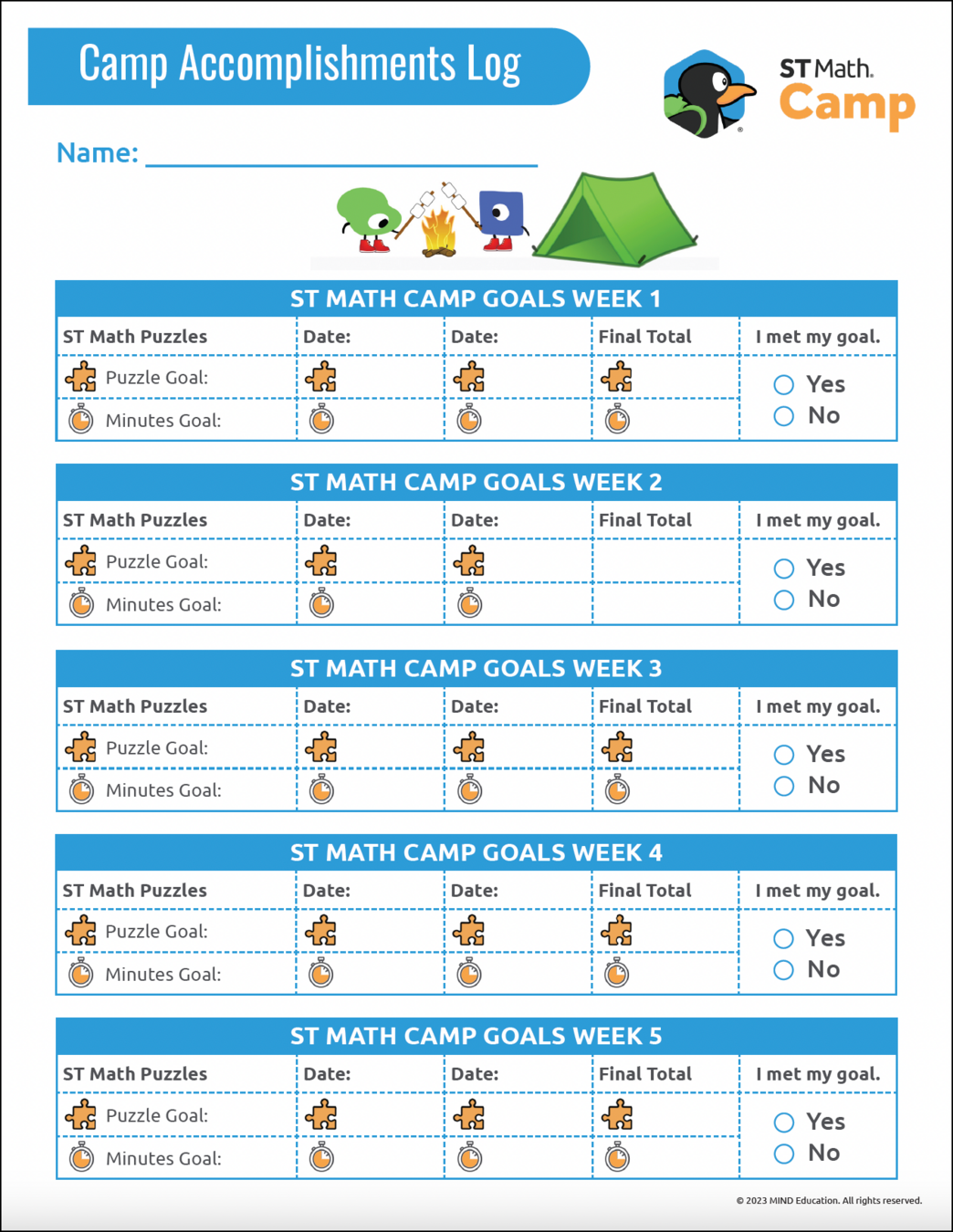
The Accomplishment Log is designed to support students and teachers with monitoring, student accountability, and writing in math. When students are mindful of their data, they are able to see their progress, reflect on their learning, and work with their teacher to set and track appropriate goals.

Students set one puzzle and/or minute goal per module. On the ST Math Game Play days, they will record the number of puzzles achieved and/or the number of minutes spent playing. At the conclusion of the module, students record the total number of minutes spent on ST Math and puzzles earned to see if they have met their goal.
Tracking Progress

English
Spanish

Thinking Path
Student Goals
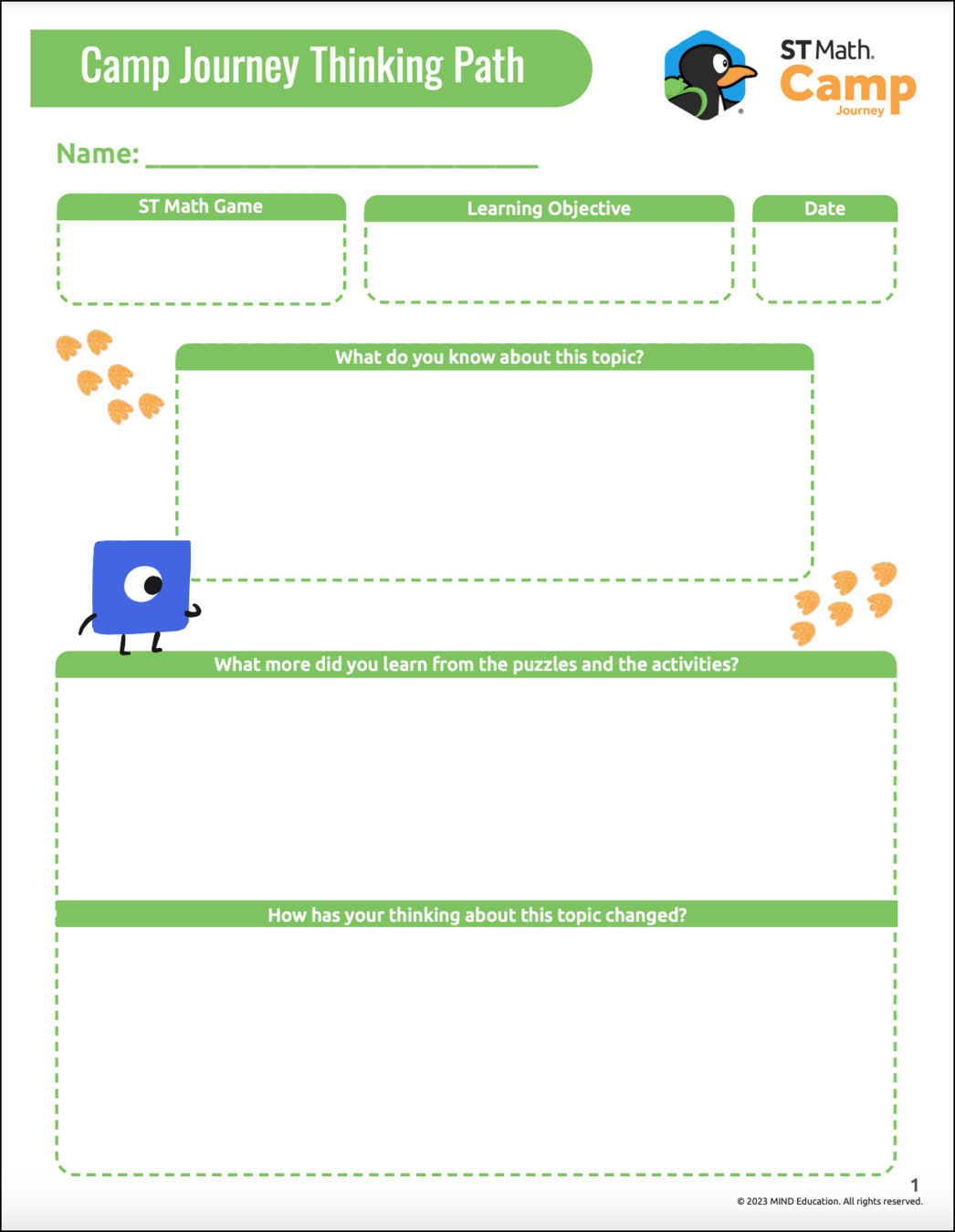
The Thinking Path resource gives students the chance to show what they know about an objective at the beginning of the module, to record new ideas and discoveries throughout the module, and to reflect on their learning at the end of each module.
Throughout the Module
At the end of each session, students add new ideas learned from puzzles and activities, and changes to their thinking as part of the Campfire Chat.
End of the Module
At the end of each module, students self-evaluate their goal progress and reflect on their learning.

English
Spanish
Beginning of the Module
During the Puzzle Talk, students fill out the first section of the Thinking Path, which includes a learning objective, the date, and prior knowledge.
Student Learning
In order to measure student learning, each module has an optional two-question exit ticket available. If you decide to utilize this exit ticket, it is recommended that it be administered during the final session of the module.
Exit Tickets
Click on the grade levels for the corresponding Exit Ticket Answer key
Click on the appropriate grade level to see all five module exit tickets



JOURNEY_Module_landing
By dwhitby